




Microsoft Outlook Add-in
The LogicalDOC Microsoft Outlook Add-in integrates LogicalDOC directly into Microsoft Outlook, allowing you to manage emails and documents without leaving your familiar email environment.
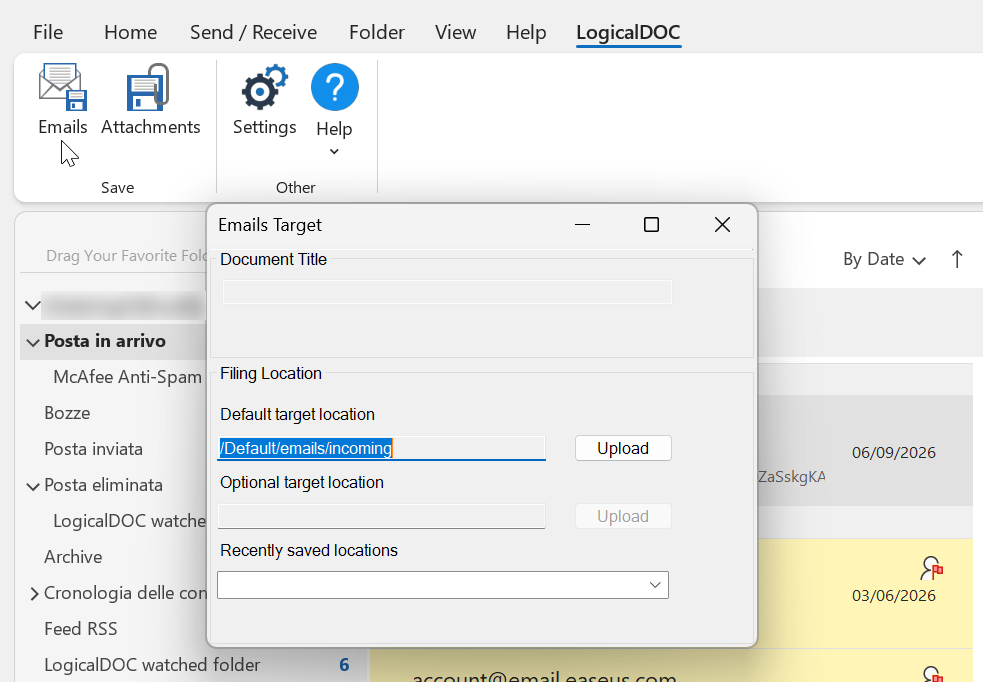
With the add-in, you can archive email messages and their attachments directly into the LogicalDOC repository, selecting the appropriate destination folder. Relevant email information and metadata are preserved together with the archived content, making business correspondence easier to organize, search, and retrieve.
The integration also works in the opposite direction: while composing an email in Outlook, you can browse the LogicalDOC repository and attach documents stored in the system directly to your outgoing message.
By connecting email management with the LogicalDOC document repository, the Outlook Add-in helps centralize business correspondence and related documents, reducing manual operations and keeping important information organized and accessible.
Pre-requisites
The LogicalDOC Outlook Add-in requires Classic Microsoft Outlook for Windows. It supports Microsoft Outlook from Office 2016 through Office 2021, as well as the classic Outlook desktop application included with Microsoft 365.
Note: The LogicalDOC Outlook Add-in is designed for the classic desktop version of Microsoft Outlook for Windows and is not compatible with the new Outlook for Windows.
You have to install on your Windows PC the latest version of the LogicalDOC Outlook Add-in compatible with your LogicalDOC installation. The installer is available on the LogicalDOC download website.