




Manual Unbind
This manual unbind procedure can be used when the LogicalDOC's server is isolated from the Internet and cannot contact the remote license manager.
Using a device with Internet connection, go to the customer's portal at https://network.logicaldoc.com and here enter your own license code(UserNo):
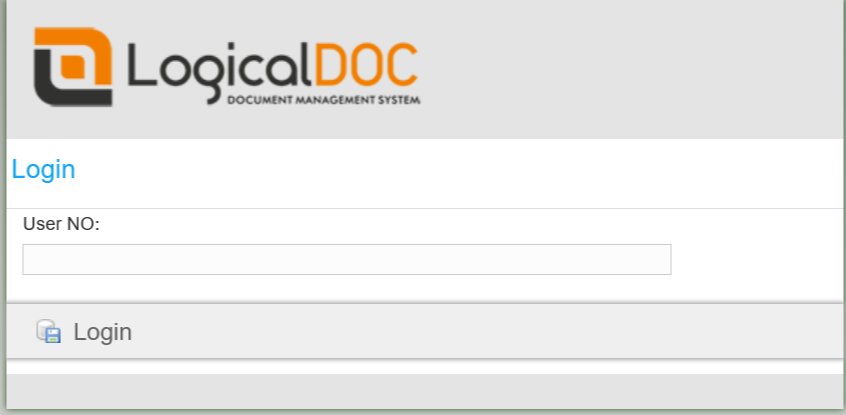
Once entered, navigate to License where you see all the details of your license and press the Unbind button:
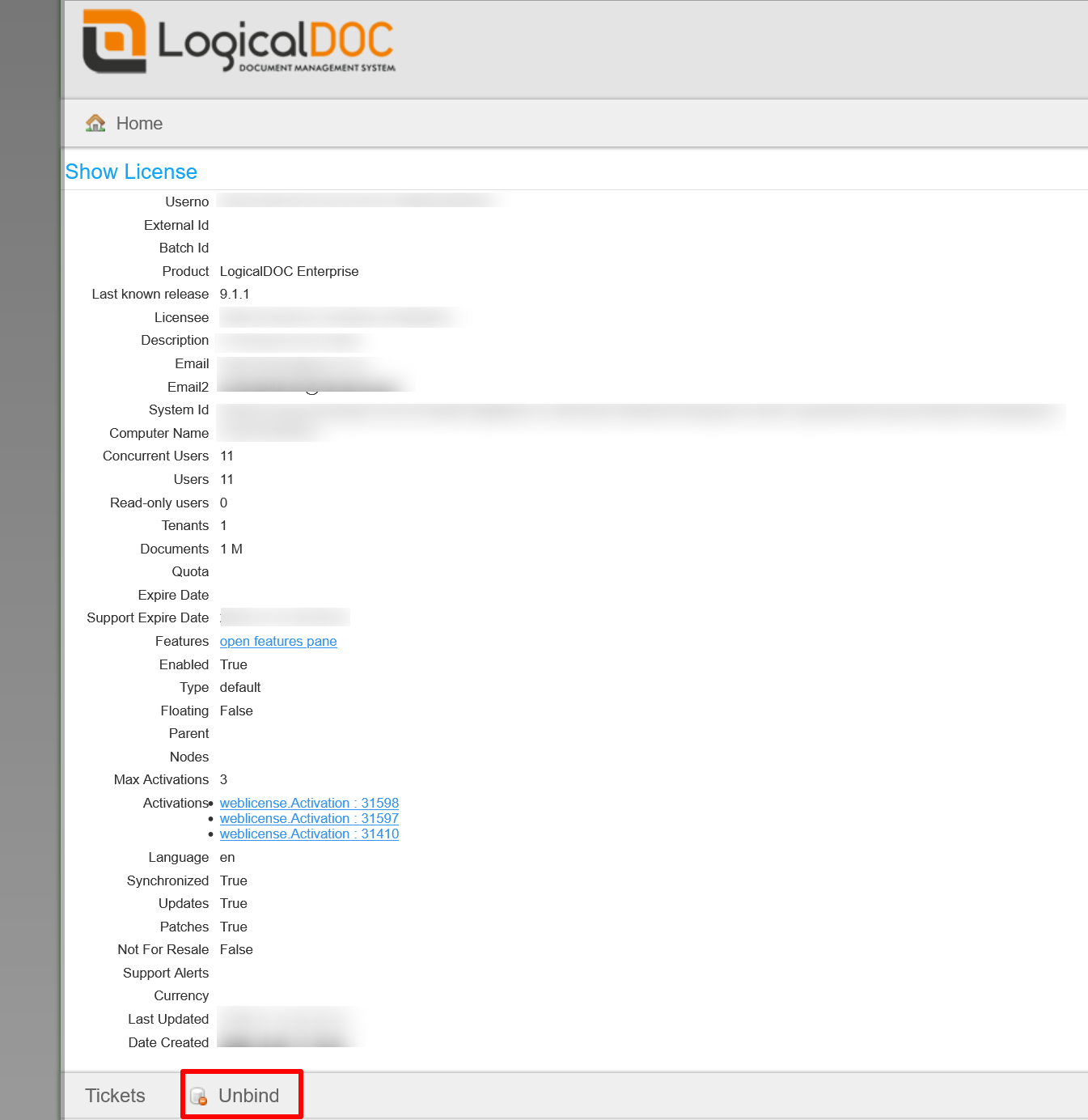
License invalidated after Unbind
After the unbind, the license gets invalid in the current computer and LogicalDOC will stop to work. Of course, you must activate the same license code again in the respect of the maximum activations number you are granted.
Habilitation Required
The unbind feature may be disabled, in which case you will be prompted to contact the support team to enable it.