




Install the Application on Windows
Get from the download site the installer file: installer-win-<ver>.exe
To install LogicalDOC just double-click on the downloaded installer and follow the setup steps. Leave all settings as default or change them at your will. The installer will guide you in connecting LogicalDOC to an existing database(MySQL, Oracle or SQL Server), don't use the embedded database for production. At the end of installation, point the browser to http://localhost:8080/ and enter with:
Username: admin
Passowrd: admin
Check the paths of external tools
After the installation it is better to check that all needed external apps are correctly configured.
Enter the administration: Administration > Import and Export > Format Converters > GhostscriptConverter
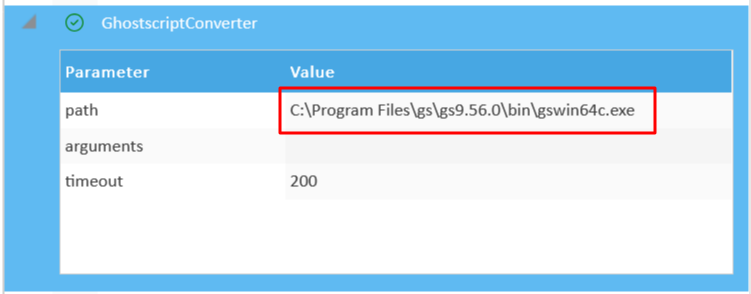
Here, check if the specified path is correct.
NOTE: paths may be different in your system