Firewall
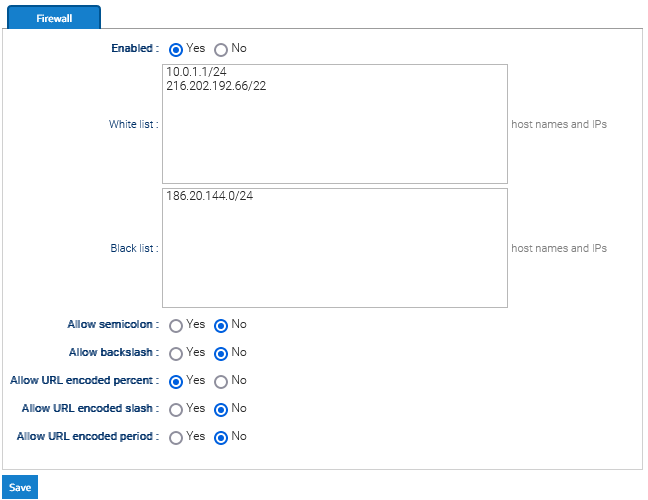
You can access and edit the Firewall preferences by going to Administration > Security > Firewall
The Firewall allows administrators to restrict or allow access to the system based on:
- IP addresses
- Hostnames
- Network ranges (CIDR notation)
When enabled, the firewall filters incoming requests before login, meaning blocked users cannot authenticate
Here you can optionally define a set of IPs, hostnames, or networks that are allowed or denied accessing the system.
CIDR - Classless Inter-Domain Routing - Notation (Network Ranges)
Instead of listing many IPs, you can define a range.
CIDR (Classless Inter-Domain Routing) is a way to define a range of IP addresses using a compact format. An address is written as:
IP_address/prefix
- The IP address identifies the network
- The prefix defines how large the range is
Example:
192.168.1.0/24
This means:
All IPs from 192.168.1.0 to 192.168.1.255
Be careful when using large ranges, as they may unintentionally allow or block many users.
Even if a user’s IP is not explicitly listed, it may still be blocked if it falls inside a CIDR range defined in the blacklist.
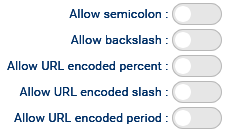
URL Security Options
These toggles control whether certain characters are allowed in HTTP requests.
They are security-related and should only be enabled if necessary.