section is required
Creation
template. The workflow settings consists of: Name Description Task-Assignment Reminder Supervisor In the [Task-Assignment] section it can be defined the subject and the body of the email that will be sent to all the users involved on a specific workflow...Designing a Workflow
or may not require human interaction, depending on what you set in Human interaction. In this case, inside the Candidates section, you can statically assign the task to users and/or groups by selecting them in the User and Group drop down lists. When...Parameters
In general, you configure LogicalDOC by accessing dedicated configuration sections inside the administration. However, there is a set of fine-tuning parameters collected in a single form located in the section Administration > Settings > Parameters...Prepare the Database on Windows
that your MySQL data folder is C:\ProgramData\MySQL\MySQL Server 8.0 open the configuration filemy.ini, find the [mysqld] section and put the following settings and make sure to have the following settings in the [mysql] and [mysqld] sections: [mysql]...Configuring Google API
become active services: 3 Set up the consent screen You have to enter in OAuth consent screen section at this point. This is where you will have to enter the authorized domains (one or more). You will have to create and...Format Converters
converter is a component able to transform a file of a given format into another, different format. In the Associations section, you can choose what converter to use for an exact combination of formats. The drop-down list shows the converters currently...Key Store (Digital Signature)
those are the top-level certificates. You can see examples of those in your browser, under the certificate authorities / CA section. Here are some of the more popular ones: Equifax Secure CA, VeriSign Class 3 Public Primary Certification Authority, Visa...Configuring Google Password
steps to enable it. 2 Generate a Gmail App Password In Security, find the App Passwords section (visible only after enabling 2-Step Verification). If for any reason, the App Password section is not visible even after having...Configuring Whatsapp API access
width="500" group=""/] 2. Create the LogicalDOC App Choose the item Apps item in the Accounts section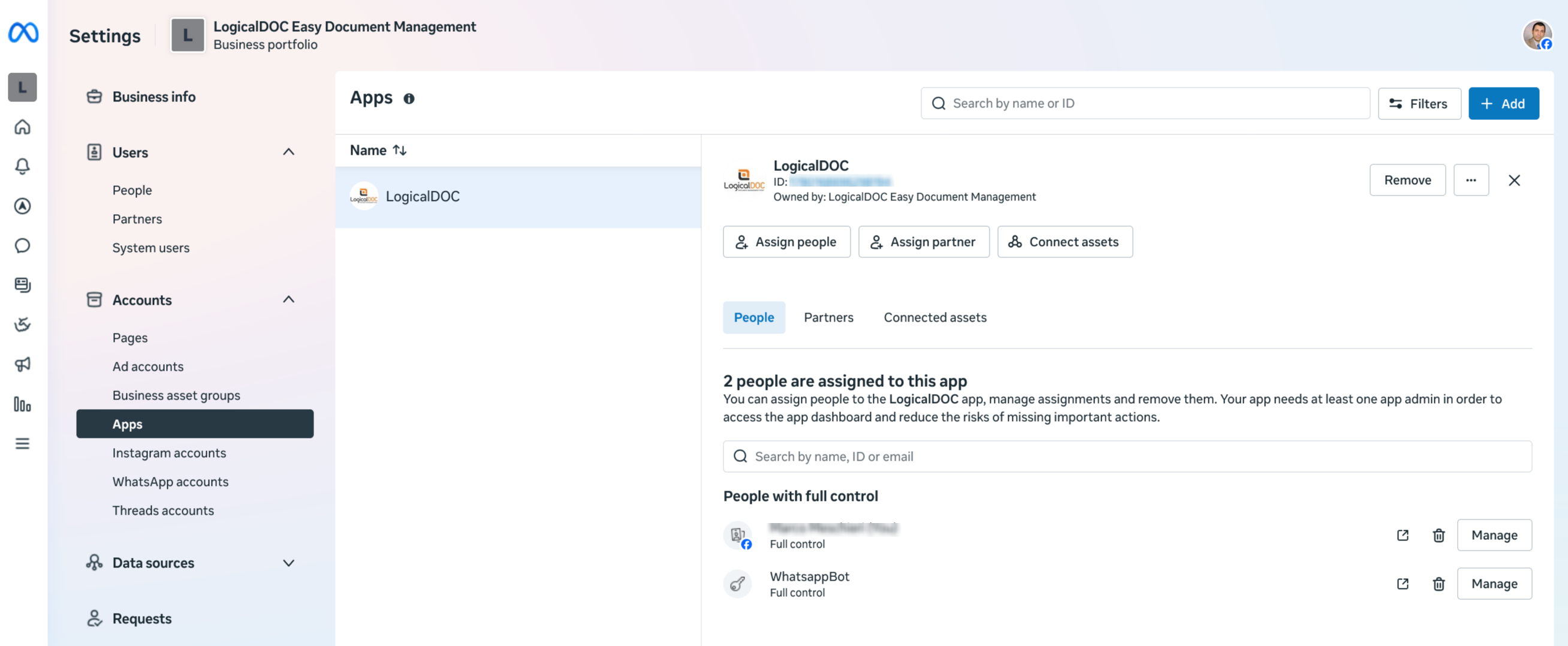
Comparators
to compare the contents of two files of the same format or different versions of the same document. In the Associations section, you can choose what comparator to use for a specific format. The drop-down list only shows the comparators currently...Tickets
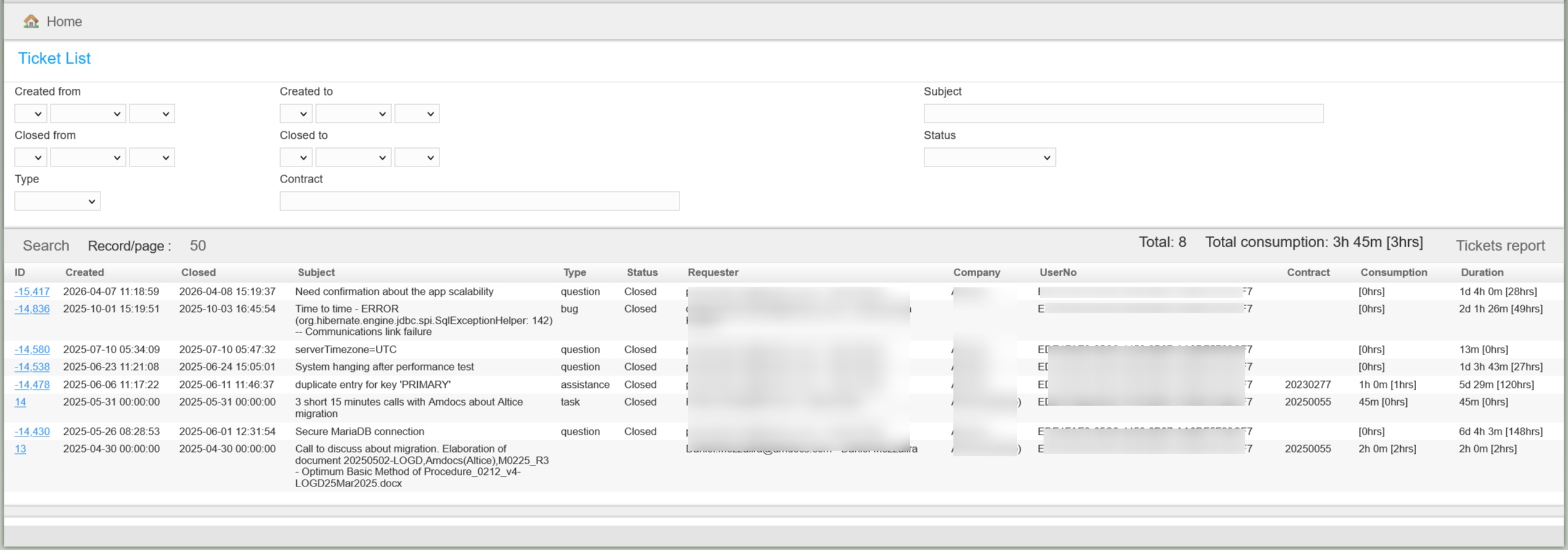
This section collects all the tickets raised for your installation