log is required
Workflow
document reviewed without a life cycle state change. Your workflows can be created in the Workflow designer integrated in the LogicalDOC application. Users who are involved in workflows are alerted by email. They can have a synthetic view of all the...Versioning
on the version you want to promote and choose Promote. Revision While Version and File Version are automatically handled by LogicalDOC, you can implement your own versioning by using the property Revision. By default, the Revision is kept the same as...Forms
always associated to a Template and defines a rendering layout. The user provides the values for the template's fields, and LogicalDOC renders the document as a PDF file by applying the given layout. Creating a new Form To add a new form, click on Add...Automation
The Automation is a pervasive aspect of the LogicalDOC platform and represents the way you have to program things using a simple scripting language. [alert style="uk-alert-warning"][heading size="h3" style="underline"][icon style="fa...Autofill Using Fillers
LogicalDOC allows you to automatically populate document metadata using Fillers. Fillers analyze the content of a document and assign values such as tags, language, or template without manual input. Autofill can be performed in different ways depending...Legals
Here you find the list of all the legals that apply to your LogicalDOC.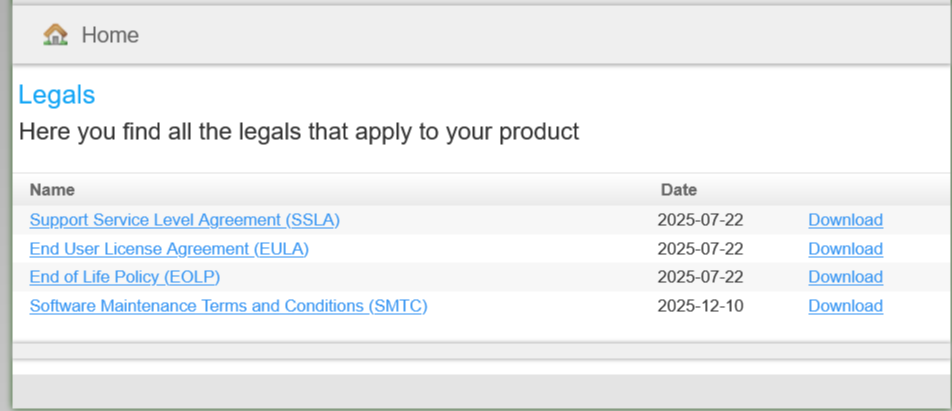
Pre-fill forms
with the fields filled as per your instructions. Inviting people You can also invite people to fill the web form by email, LogicalDOC helps you in composing the message by including a link to the form. Right-click on the form and choose Invite. Fill the...Microsoft Outlook Addin
picked from the system. Pre-requisites You need Microsoft Outlook. You have to install in your Windows PC the latest LogicalDOC Outlook Addin available in the download website.Duplicates
are stored in several locations. This may lead to unnecessary storage space occupation. When you store whatever file in LogicalDOC, a digest is calculated, so then you are able to detect duplications that is what shows you the Duplicates report:...GhostScript
LogicalDOC needs to print documents to a virtual device sometimes when performing barcode recognition. In general, in GhostScript is a package installed by default in all Linux distributions. On Ubuntu, you can install in this way $ sudo apt-get...Clustering
A LogicalDOC cluster is a group of independent computers that work together to increase the availability or the performance of the document management services. Clustered servers (called nodes) are connected by physical cables and software. If one of...Certificate (digital signature)
LogicalDOC offers PDF digital signing capabilities. In case you want to sign a document that is not PDF, its PDF conversion will be signed. Top-Level View From a high-level functional point of view, here is what users need to be able to do using the...Comparators
by pressing Enter. At the end, you can save all the configurations by pressing the Save button in the toolbar. In the same LogicalDOC installation, you may configure different comparators Comparator Description Configuration BasicComparator Simple plain...Compare documents and versions
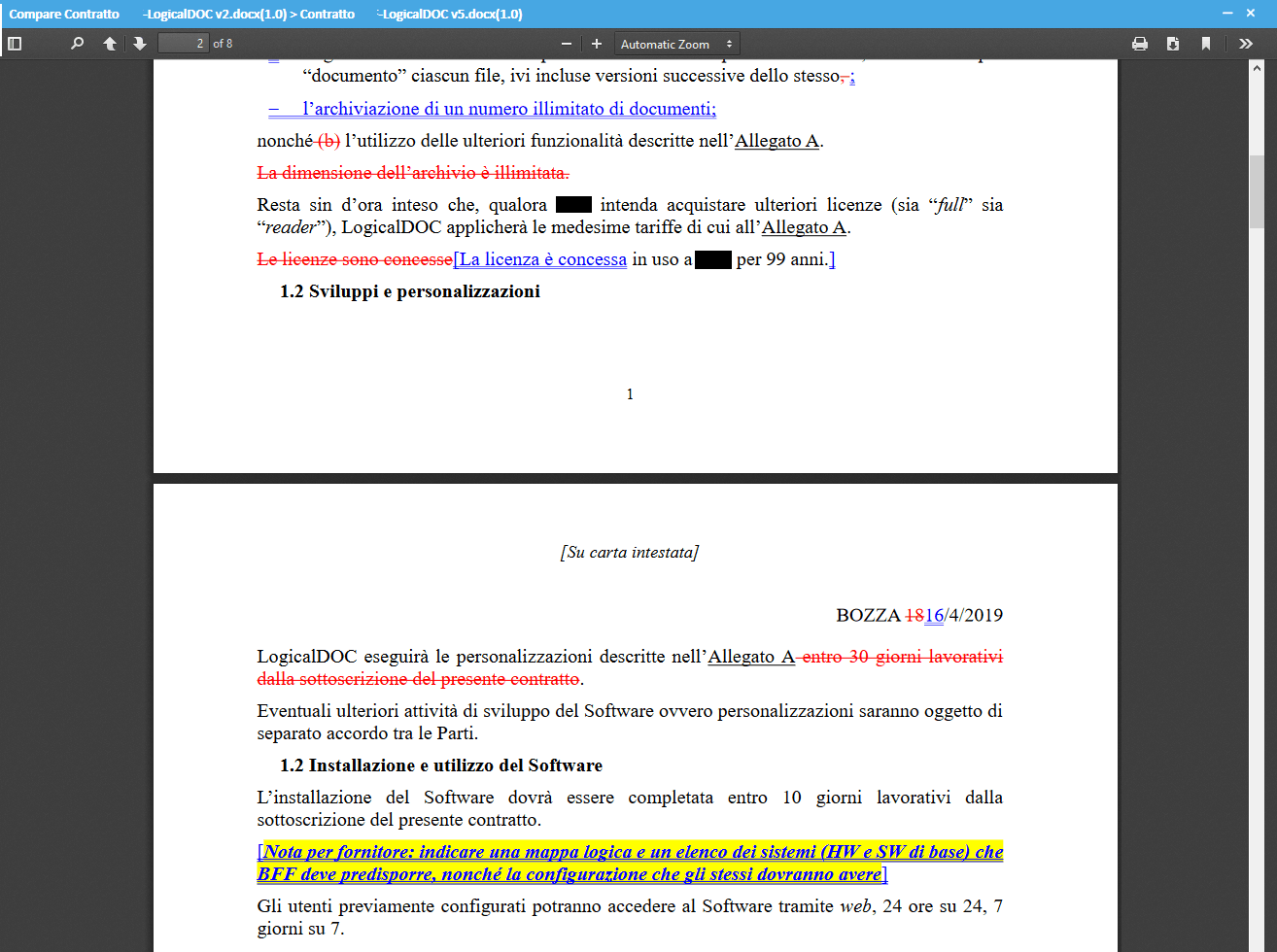
To compare two documents, just select them, then right click and in the context menu choose More > Compare.