
Assuming https is required, the following 34 results were found.

Single Sign-on

how CAS works: A detailed walk through a CAS authentication According to the CAS documentation, it only works in secured HTTPS connections. For this reason, you need to use LogicalDOC over HTTPS. Access https://localhost:8443 to check it works fine. If...

Configuring ShareFile API access

to have access to your ShareFile account you have to prepare an API Key first, so enter your DocuSign API console at https://api.sharefile.com administration an click on the Get an API key link. That will lead you to the API Key Generator: [lightbox...

Instructions for the Trial

You find it in all the messages we send you during your trial. [/alert] Access a live demo You can access our live demo at https://demo.logicaldoc.com Username: admin Password: admin [alert style="uk-alert-large"]

Install third-party Software on macOS

preview, you need to install some external components. LibreOffice Please download and install LibreOffice in your system: https://www.libreoffice.org/download/ Setup the application following the instructions at...

ShareFile

API access. [alert style="uk-alert-warning"][heading size="h3 class="underline"> HTTPS is mandatory

Install third-party Software on macOS

preview, you need to install some external components. LibreOffice Please download and install LibreOffice in your system: https://www.libreoffice.org/download/ Setup the application following the instructions at...

ShareFile

API access. [alert style="uk-alert-warning"][heading size="h3> ShareFiles must communicate with LogicalDOC through the HTTPS protocol, this is a design choice of...

Install with Docker

regardless of any customized settings that machine might have. Install Docker Download and install Docker for your system: https://hub.docker.com/r/logicaldoc/logicaldoc UserNo When you run the image the first time, you have to pass your license's...

Configure SAML with Microsoft ADFS

referred to as the SP Private Key and the SP Certificate, respectively. You also have to make sure to use LogicalDOC over HTTPS because ADFS will not accept a plain HTTP Relying Party. Prepare LogicalDOC Enable the SAML Single Sign-On in Administration...

Configuring Whatsapp API access

to your Whatsapp corporate account, you have to prepare an integration key first, so enter your Meta Business Manager at https://business.facebook.com.
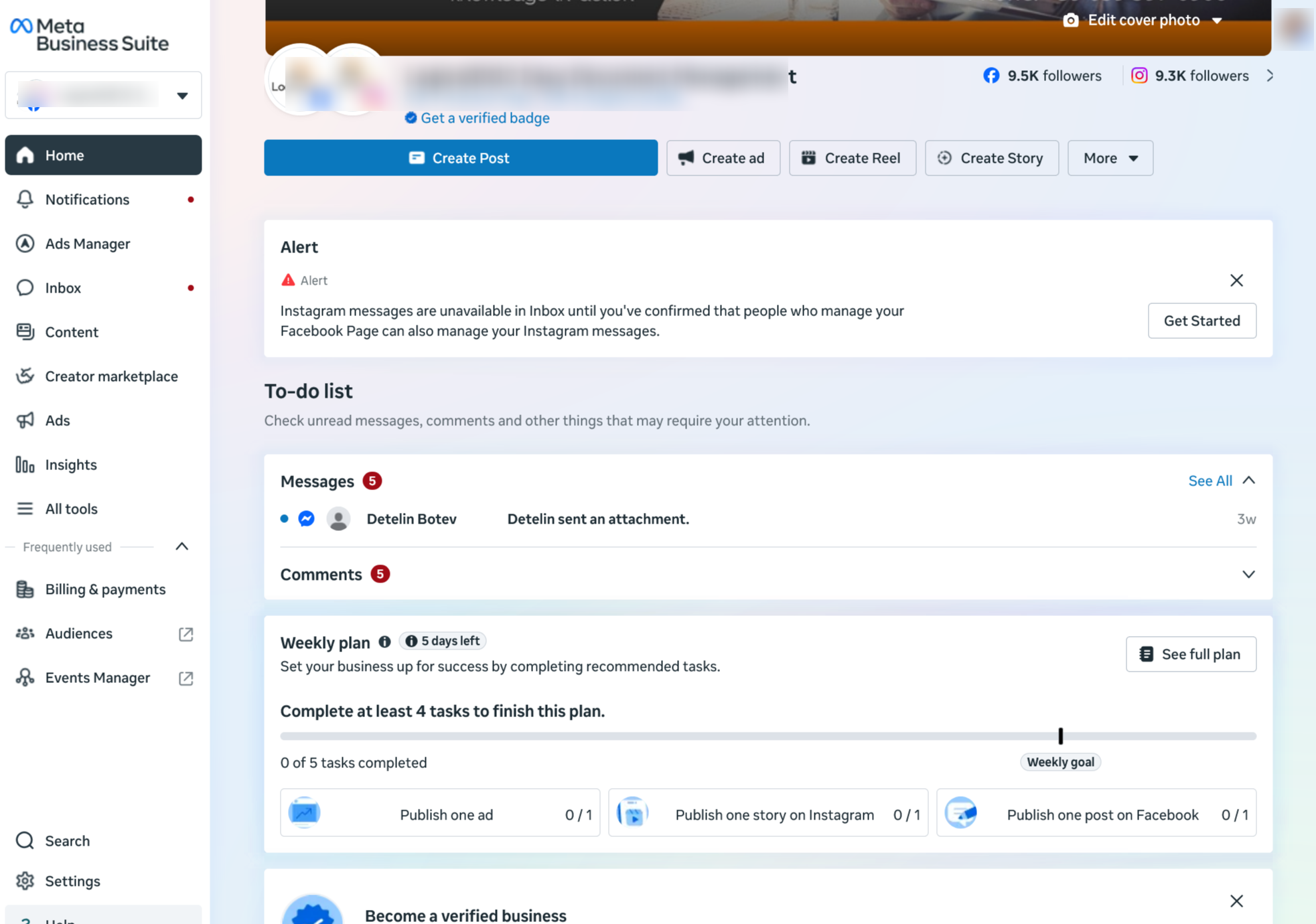
Meta Business

Installation

The application can be installed using the proper installer program downloadable from: https://dist.logicaldoc.com Please, download the installer package available for your Operating System. Verify the presence of Java JDK (Java Development Kit) The...

Install on Windows

OpenJDK If you opt for using an open source OpenJDK instead of the official Oracle JDK, please download the installer here: https://adoptium.net/temurin/ Choose the latest LTS release and download the .msi file. By default, Windows will not allow you to...

Format Converters

key-value pairs where the vertical line is used to separate the name from the style url/path, eg:...

Install on QNAP

QNAP is a global producer of powerful yet affordable Network-Attached Storages (NAS). Find more information about QNAP here: https://www.qnap.com. [alert style="uk-alert-warning"][heading size="h3" style="underline"][icon style="fa...

Install on Synology

is a global producer of advanced and intelligent Network-Attached Storages (NAS). Find more information about Synology here: https://www.synology.com. [alert style="uk-alert-warning"][heading size="h3" style="underline"][icon style="fa...

Configuring DocuSign API access

the first part of the URL you normally use to access LogicalDOC but append docusign-callback. If you access LogicalDOC with https://your_logicaldoc_hostname then the callback URL must be https://your_logicaldoc_hostname/docusign-callback 3. Go back to...
Enter SAML Settings, including: Single sign-on URL: https://your_logicaldoc_url/saml/acs where https://your_logicaldoc_url should typically match the LogicalDOC URL. Audience URI: the identifier you used in step 2 of LogicalDOC's...

Protocols

LogicalDOC normally uses the HTTP or HTTPS protocols, but it also implements additional protocols you might want to control in the Protocols section. Additional protocols implemented by LogicalDOC Protocol Description Configuration WebService Used for...

Prepare the Database on macOS

/Library/LaunchDaemons directory, so please refer to the Oracle's MySQL reference manual to better understand the procedure: https://dev.mysql.com/doc/refman/8.0/en/osx-installation-launchd.html [alert style="uk-alert-warning"][heading size="h3"...

Configure Outlook Add-in

window, you can specify the following options: Server URL: the URL of your LogicalDOC installation, for example https://documents.example.com . API Key: the API key used by the Outlook Add-in to authenticate with LogicalDOC. If you do not have an API...

Configuring Google API

URIs. For each of them, click on +Add URI put the URL of your LogicalDOC followed by the /goauthcallback suffix (e.g. https://dms.acme.com/goauthcallback) you can put several URLs here if you reach LogicalDOC in different ways: Click on Save: As you do...