d is required
Proxy
LogicalDOC needs to call external URLs for various reasons, ranging from internal tasks such as checking for updates, validating licenses, to integration with remote third-party tools. In case you install into an isolated environment, and you do not...Setup a Node
A cluster node is basically a LogicalDOC instance installed on a server in the same subnet. Please read the Installation Guide to install the application Once installed, you have to enter the section Administration > System > Clustering and enable the...Folder Alias
A Folder Alias is like a shortcut that you can create in a node of the folders tree to point to another folder stored somewhere else. Creating an Alias Just select a folder where you have the permission to create new items, right-click on it and select...Tickets
lists all the tickets currently available in the system.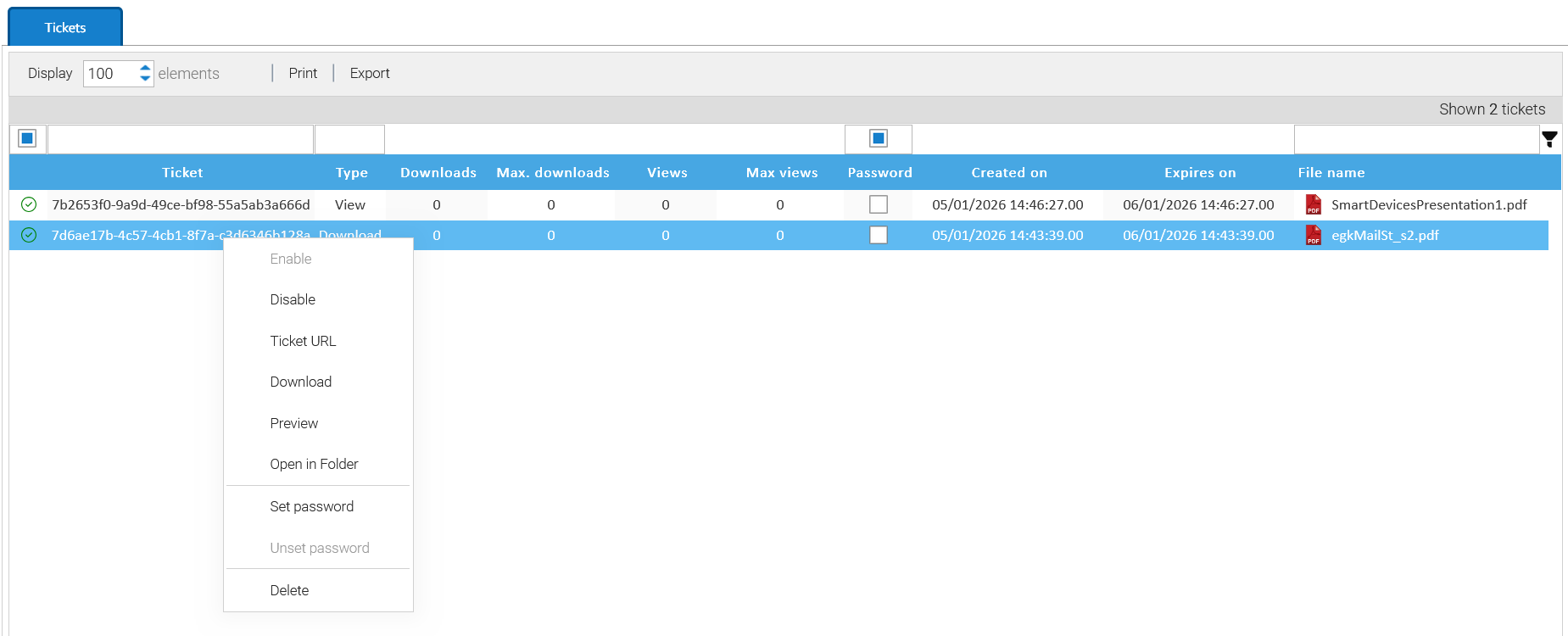
Adding Bookmark
Bookmarking folders is a common operation that allows you to quickly access your most important folders. To add new bookmarks, you have to select the folder you want and then click on the [Add bookmark] context menu item. Once the bookmark has been...Apply a Template
A Folder Template is a structure of empty folders and sub-folders that may be applied to an existing folder in order to quickly create a tree within it. Right click on a folder where you have the write permission and select the menu item [Apply...Merge Folders
Folders can be merged together. Just select one or more folders, then right-click on them and choose Merge. A new dialog window will ask to indicate the target folder where the original selection will be merged to. Of course, you cannot merge to a...Hardware Bound License
A Hardware Bound License is tied to the hardware of the server where you installed LogicalDOC in. Licenses of this type are associated with a specific device upon activation and do not work on other computers. To check if you are using a license bound...Administrator's Guide
LogicalDOC is an advanced system that allows you to handle a large volume of data. Once installed, you will be able to configure customize it in order to maximize the benefits from your installation. This manual is intended for use by the...Versions
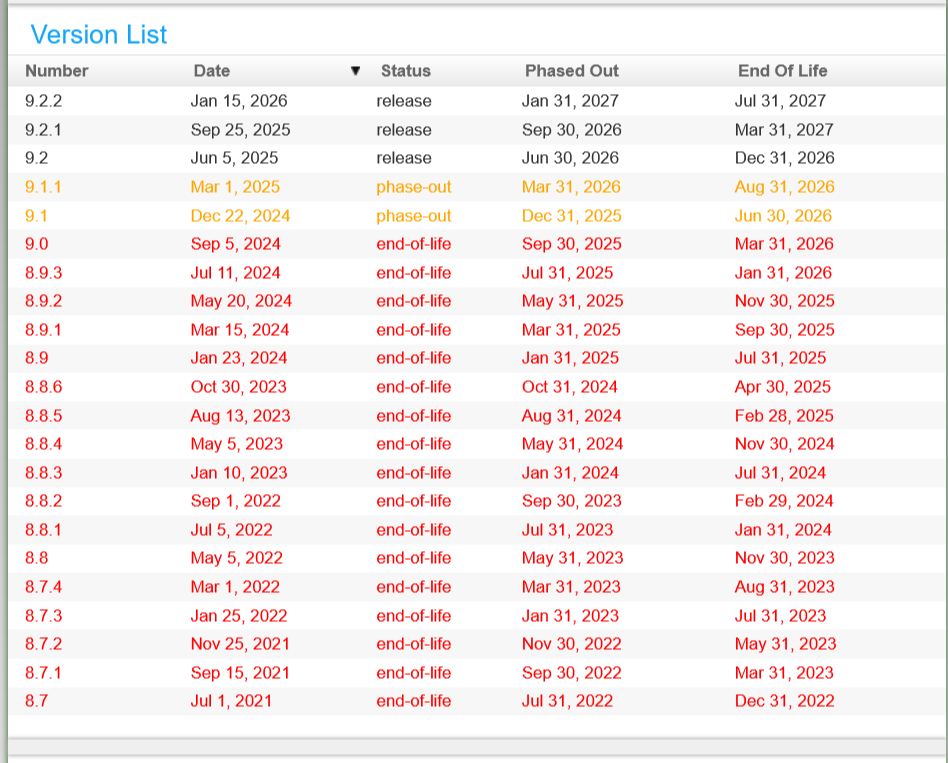
Take this section as a utility to check at any time the status of all the existing versions of LogicalDOC.