section is required
Creation
Into the [Workflow] panel you can create and configure a new workflow template. Clicking on [New Workflow Template] you can configure a new workflow template. The workflow settings consists of: Name Description Task-Assignment Reminder Supervisor In...Designing a Workflow
To add a new Task in your workflow template, click the on Add Task button in the toolbar and a new square appears into the design panel. By default, it is a blue square, if you want to make it your initial task, just double click over it and select the...Parameters
In general, you configure LogicalDOC by accessing dedicated configuration sections inside the administration. However, there is a set of fine-tuning parameters collected in a single form located in the section Administration > Settings > Parameters...Prepare the Database on Windows
The LogicalDOC's installer also includes a MariaDB and will use it by default, but if you want to connect LogicalDOC to an existing MySQL or MariaDB installation, this guide describes how to prepare the database where the application will store all...Configuring Google API
You can create a connection between your Google account and LogicalDOC. This way, you will be able to use Google Cloud Applications like Drive, Calendar and Gmail from inside LogicalDOC. Third party applications can communicate with your Google account...Format Converters
A format converter is a component able to transform a file of a given format into another, different format. In the Associations section, you can choose what converter to use for an exact combination of formats. The drop-down list shows the converters...Key Store (Digital Signature)
The Digital Signature feature adds PDF signing capabilities to the LogicalDOC Platform. It also provides generation of user certificates, which are required for document signing. LogicalDOC allows users to: download the PDF for previewing, download the...Configuring Google Password
Starting January 2025, less secure apps, third-party apps, or devices that have you sign in with only your username and password will no longer be supported for Google Workspace accounts. For this reason, an App Password must be used instead of your...Configuring Whatsapp API access
LogicalDOC can use WhatsApp as an additional channel to send notifications to users, such as the security key during two-factors authentication or alerts triggered by workflows. However, unlike other communication channels such as emails and system...Comparators
A comparator is a component able to compare the contents of two files of the same format or different versions of the same document. In the Associations section, you can choose what comparator to use for a specific format. The drop-down list only shows...Tickets
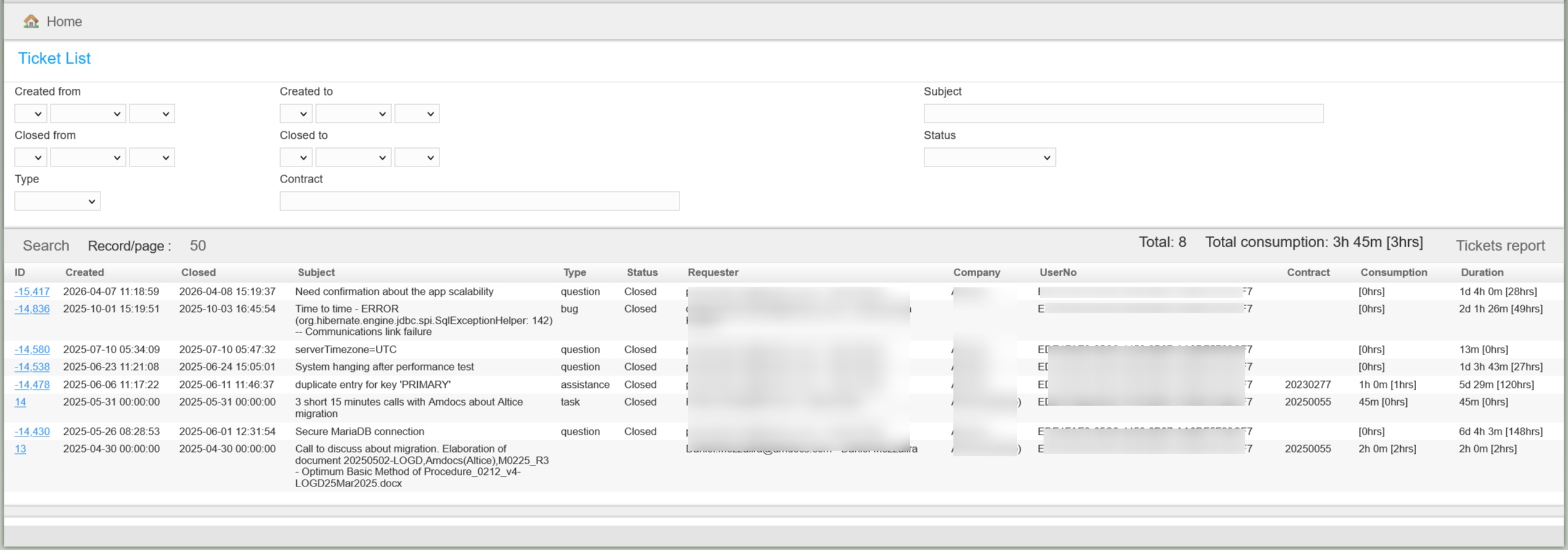
This section collects all the tickets raised for your installation