p is required
Import Archives
Into the [Import Archives] panel, you can configure the import from archives. Import Archives Into the [Import Archives] tab, you can see all the archives already imported or that are still waiting to be imported into the system. For each archive, are...Quota
With the quota, you can put limits in the usage of your system or specific tenants. The form below shows the actual usage for the different resources, and you can optionally put limitations. LogicalDOC guarantees that the system will not go over the...Import and Export
Inside the [Import and Export] section of the Administration, you can perform all the configurations regarding import from local and remote folder, import from email accounts, creating of archives and importing from archives. You can also find format...LogicalDOC Backup
LogicalDOC Backup is an optional component that can be installed if you need a dedicated backup solution for your document's repository. The main features of the LogicalDOC Backup module are: Archive compression and encryption Suitable for large...Legals
Here you find the list of all the legals that apply to your LogicalDOC.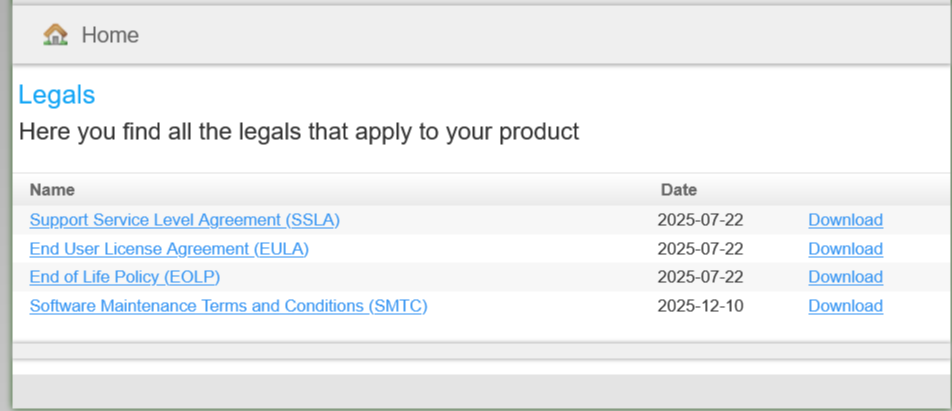
Delete
select the documents you want to delete and then select the [Delete] item of the context menu. Then you have to confirm the operation.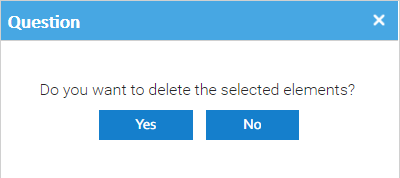
Save a Search
In the toolbar, you can save the current search by pressing the Save button of the toolbar. Then insert the name of the saved search and an optional description. In the Saved Searches section, you can find the list of your saved searches. Double-click...Deleted documents
This report shows you all the documents that were logically deleted, you can also filter by user and folder. You can interact with the elements of the report by right-clicking on them and choose one of the possible actions. When you choose to restore a...Reassigning Tasks
If for some reason a task cannot be completed by the current assignee, it is possible to reassign it to another user. Reassign from the task's detail Inside the Workflow's dashboard double-click on the task and click on Reassign User. Here just select...Linking documents together
you want to link documents that are logically related. To do this, select the documents you want to link and then select the Copy item of the context menu. This will put the current selection into the clipboard. Then right-click on a target document and...Open a Document
Click the Open button in the LogicalDOC ribbon to open the document browser. From this window, you can browse the LogicalDOC folder tree and view the documents contained in the selected folder. The document list provides useful information such as the...Antivirus
LogicalDOC can check if a submitted document is infected. It works with an Open Source antivirus software called ClamAV. This gives you full control over your documents base and will assure you to avoid the distribution of infected files through your...Merge Folders
window will ask to indicate the target folder where the original selection will be merged to. Of course, you cannot merge to a parent folder.Adding Bookmark
Bookmarking folders is a common operation that allows you to quickly access your most important folders. To add new bookmarks, you have to select the folder you want and then click on the [Add bookmark] context menu item. Once the bookmark has been...Search
You can do simple full-text searches to find your documents by content. To do so, open the drawer panel you and tap the Search item.Subscriptions
The Subscriptions report lists all the subscriptions of the users to the alerts issued by the folders and files. You can restrict the list using the different criteria you find in the toolbar. You can also print and/or export the results. If you...Tickets
The Tickets report lists all the tickets currently available in the system.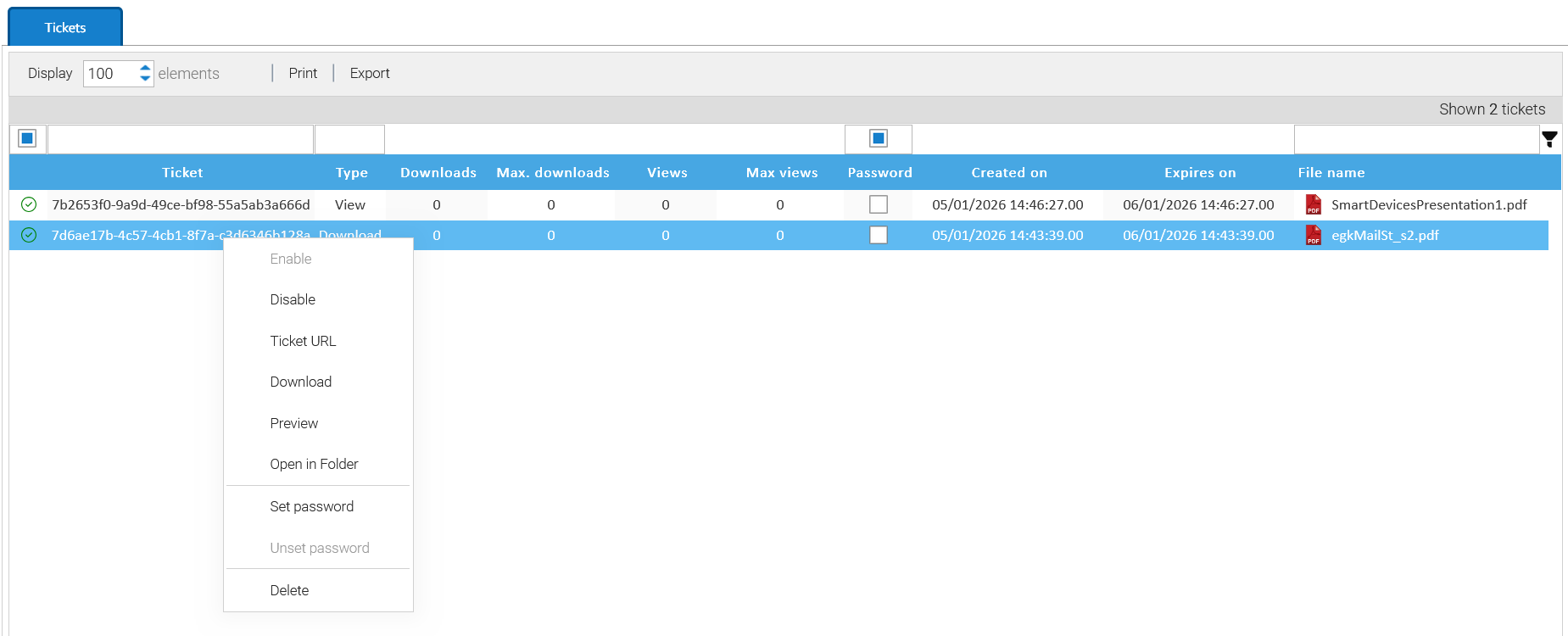
Folder History
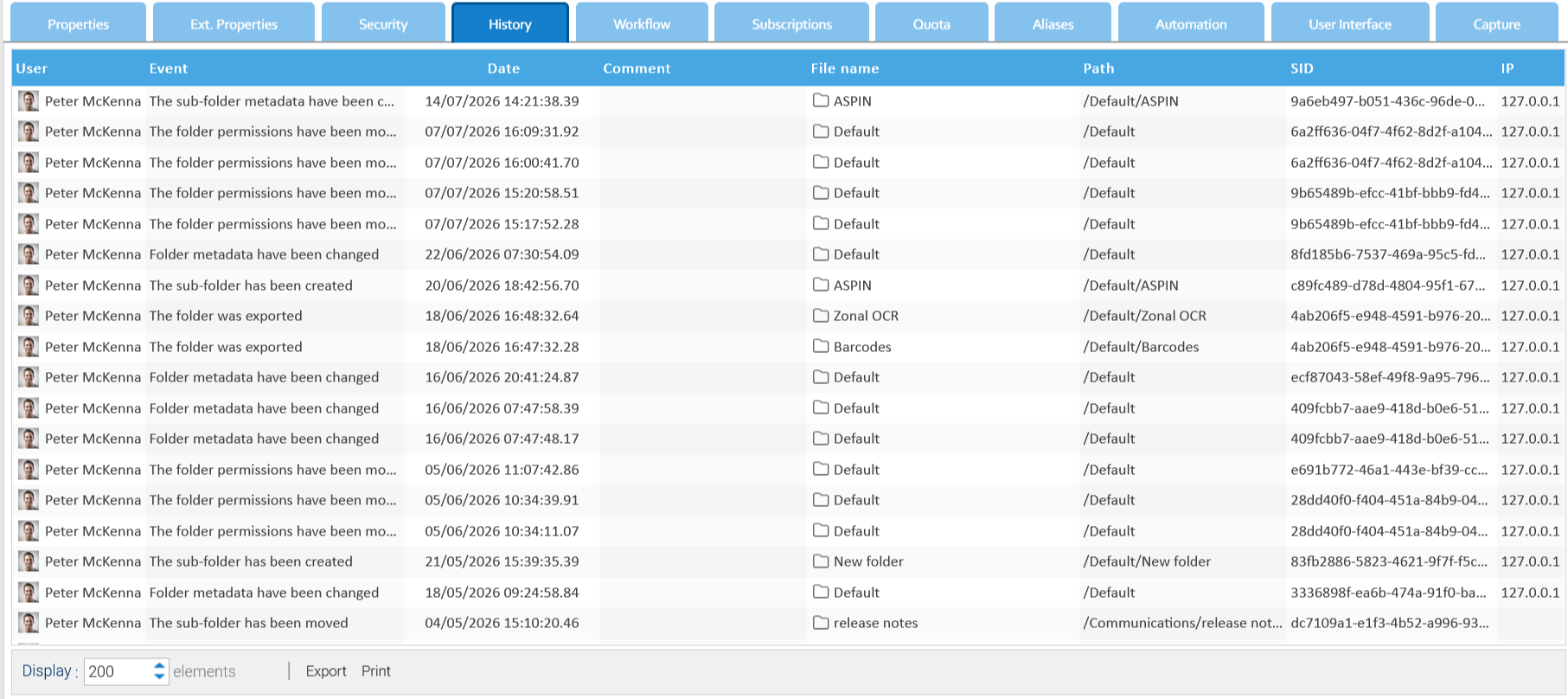
All the events that happen on each single folder are recorded and available inside the folder's History tab.