Move
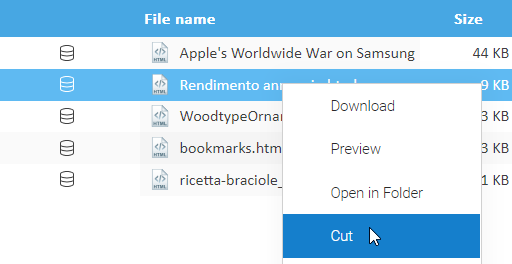
From the documents list grid, select the documents you want to move and then select the [Cut] item of the context menu. This will put the current selection into the clipboard.
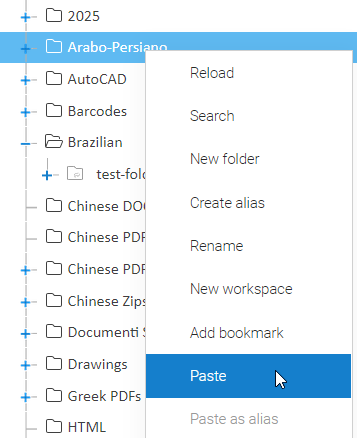
Now, in the folders tree, right-click on the destination folder and select the [Paste] item. As you can see, the documents were moved to the target location. Note that they are no more present in the source folder.