This procedure requires LogicalDOC to have Internet access. If you are running an old version of the software or if LogicalDOC cannot directly access the Internet, you can configure a proxy server. If neither option is available, please follow the manual update guide.
1
List of the available patches
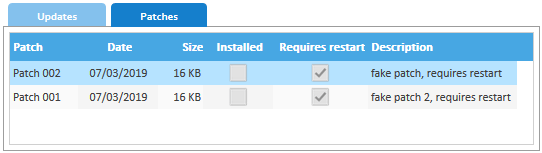
- Enter LogicalDOC as admin and go to Administration > General > Updates and Patches > Patches here you see the list of all the available patches. A flag indicates if a patch was already installed in your system
2
Download the patch file
- Right-click on the patch you want to install and select Install
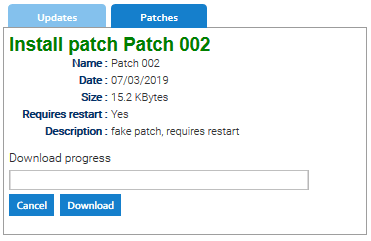
- A panel shows some information about the patch, please click on Download
3
Run the patch
- Once the patch file is downloaded, the system shows important notes you have to know before patching. Please execute the activities described in the pre-patch section and then click on Confirm Patch
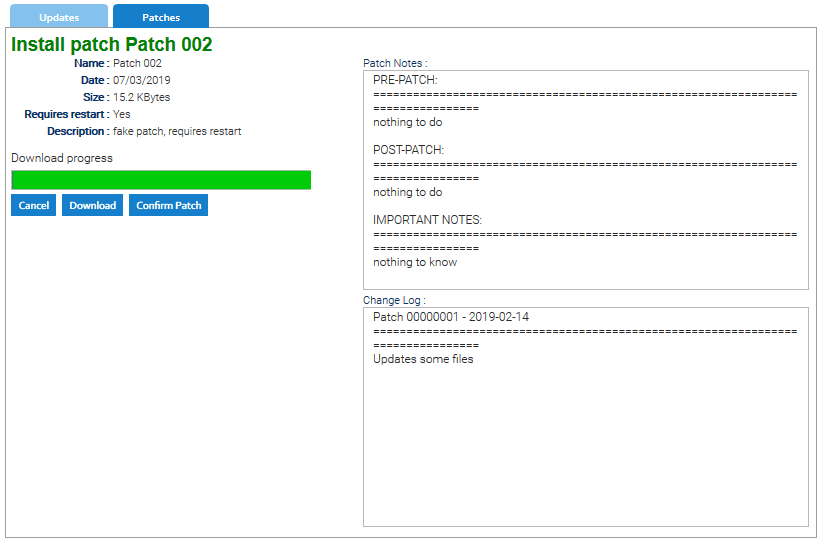
Now the patch is automatically executed by an external program and during this process LogicalDOC may become unavailable(the time depends on several factors but expect at least a couple of minutes).